

FAQ
How to disable or reset the Orbit Glasses duo
Write content to answer to common questions your customers may have about your products, shipping policies..
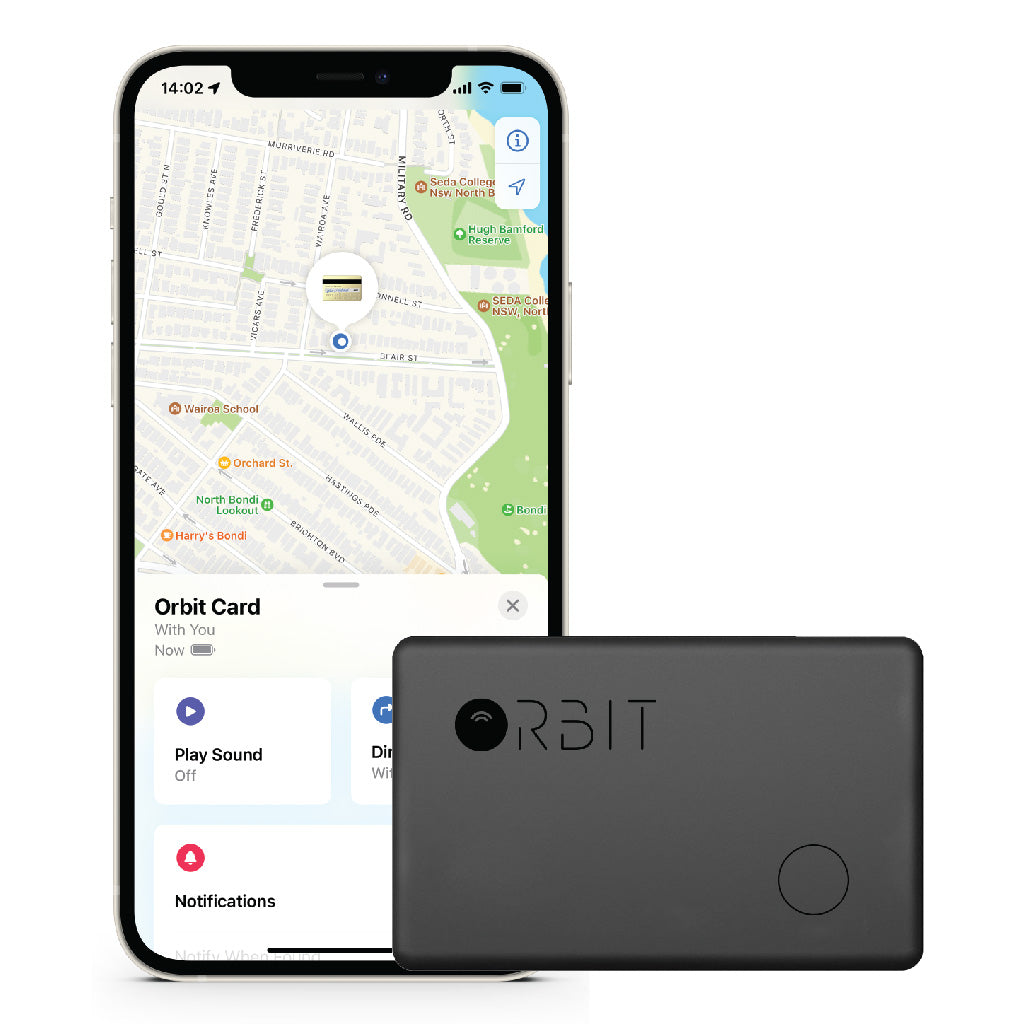
How to disable or reset the Orbit Card duo
Disabling the Orbit Card Duo
The Orbit Card Duo can be disabled to stop it from sharing its location. Once disabled, it will no longer report to Google’s Find Hubnetwork or Apple’s Find My network, and the owner will no longer receive updates on its current location. It will also stop triggering unknown tracker alerts. If you receive a notification on your Android or iOS device indicating that a Orbit Card Duo has been detected nearby and you are unfamiliar with this device, you can make it ring through the system notification. After locating the device, follow the steps below to disable it.
•Locate the button on yourOrbitCardDuo.•Press and hold the button for ten seconds, and it beeps, then quickly press the button twice. A confirmation chime will sound.
Re - enable the Orbit Card Duo:
Press and hold the button for 3 seconds to power on.
Factory Reset and Pairing:
Press and hold the button for ten seconds, and it beeps, then quickly press the button three times. A confirmation chime will sound. After resetting, you can pair the Orbit Card Duo with a new Google or Apple account.
Important Notes:
•When theOrbitCardDuois paired with an Android device, it operates as a Google FindHublocator tag. Ifit’spaired with an iOS device,it functions as an Apple Find My locator tag.•For pairing, ensure Bluetooth is enabled on your device and that it has internet access. To activate theOrbitCardDuo, press the button once, and you will hear a melody confirming activation.•You can remove theOrbitCardDuofrom either the Google FindHubapp on Android or the Find My app on iOS. If it’s within Bluetooth range, a factory reset will automatically occur upon removal from the app. If out of range, perform a manual factory reset.
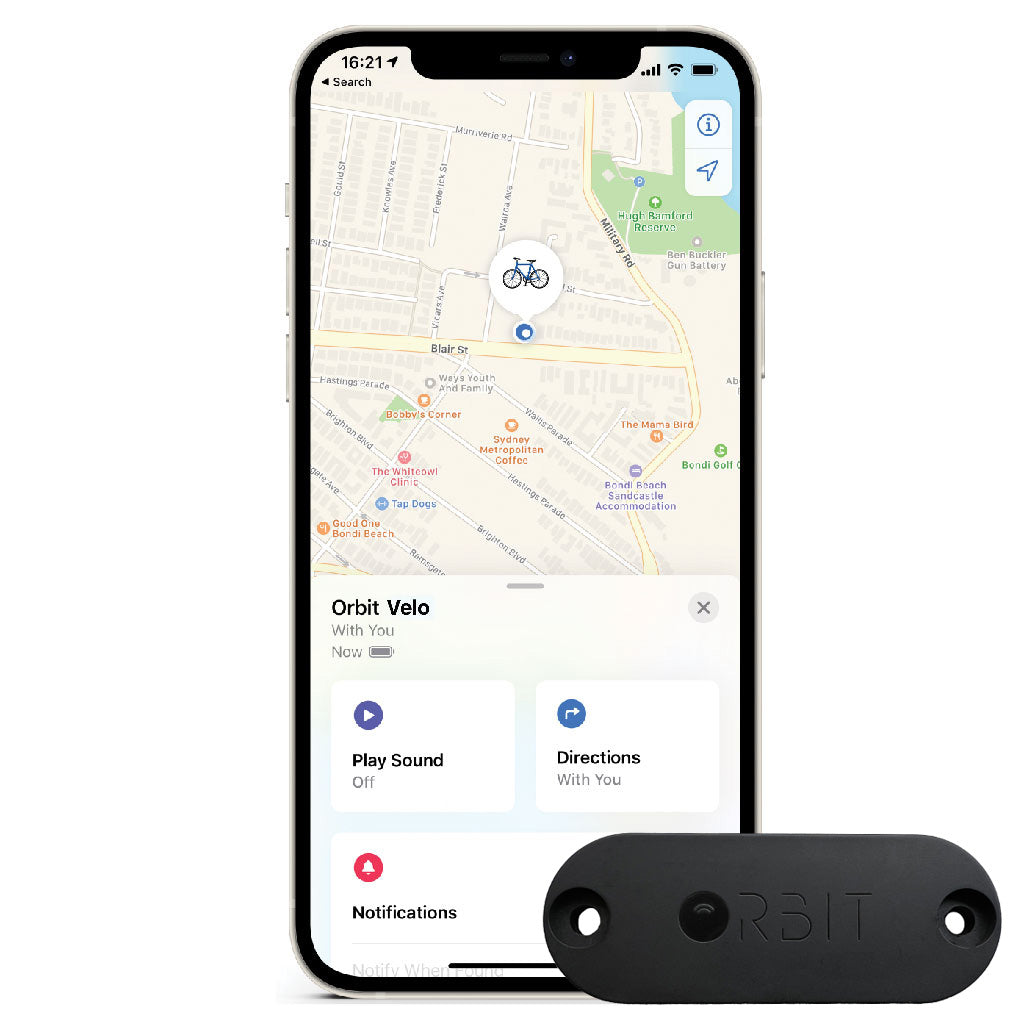
How to disable or reset the Orbit Velo duo
Disabling the Orbit Velo Duo
The Orbit Velo Duo can be disabled to stop it from sharing its location. Once disabled, it will no longer report to Google’s Find Hubnetwork or Apple’s Find My network, and the owner will no longer receive updates on its current location. It will also stop triggering unknown tracker alerts. If you receive a notification on your Android or iOS device indicating that a Orbit Velo Duo has been detected nearby and you are unfamiliar with this device, you can make it ring through the system notification. After locating the device, follow the steps below to disable it.
•Locate the button on yourOrbit Velo Duo.•Press and hold the button for ten seconds, and it beeps, then quickly press the button twice. A confirmation chime will sound.
Re - enable the Orbit Velo Duo:
Press and hold the button for 3 seconds to power on.
Factory Reset and Pairing:
Press and hold the button for ten seconds, and it beeps, then quickly press the button three times. A confirmation chime will sound. After resetting, you can pair the Orbit Velo Duo with a new Google or Apple account.
Important Notes:
•When theOrbit Velo Duois paired with an Android device, it operates as a Google FindHublocator tag. Ifit’spaired with an iOS device,it functions as an Apple Find My locator tag.•For pairing, ensure Bluetooth is enabled on your device and that it has internet access. To activate theOrbit Velo Duo, press the button once, and you will hear a melody confirming activation.•You can remove theOrbit Velo Duofrom either the Google FindHubapp on Android or the Find My app on iOS. If it’s within Bluetooth range, a factory reset will automatically occur upon removal from the app. If out of range, perform a manual factory reset.
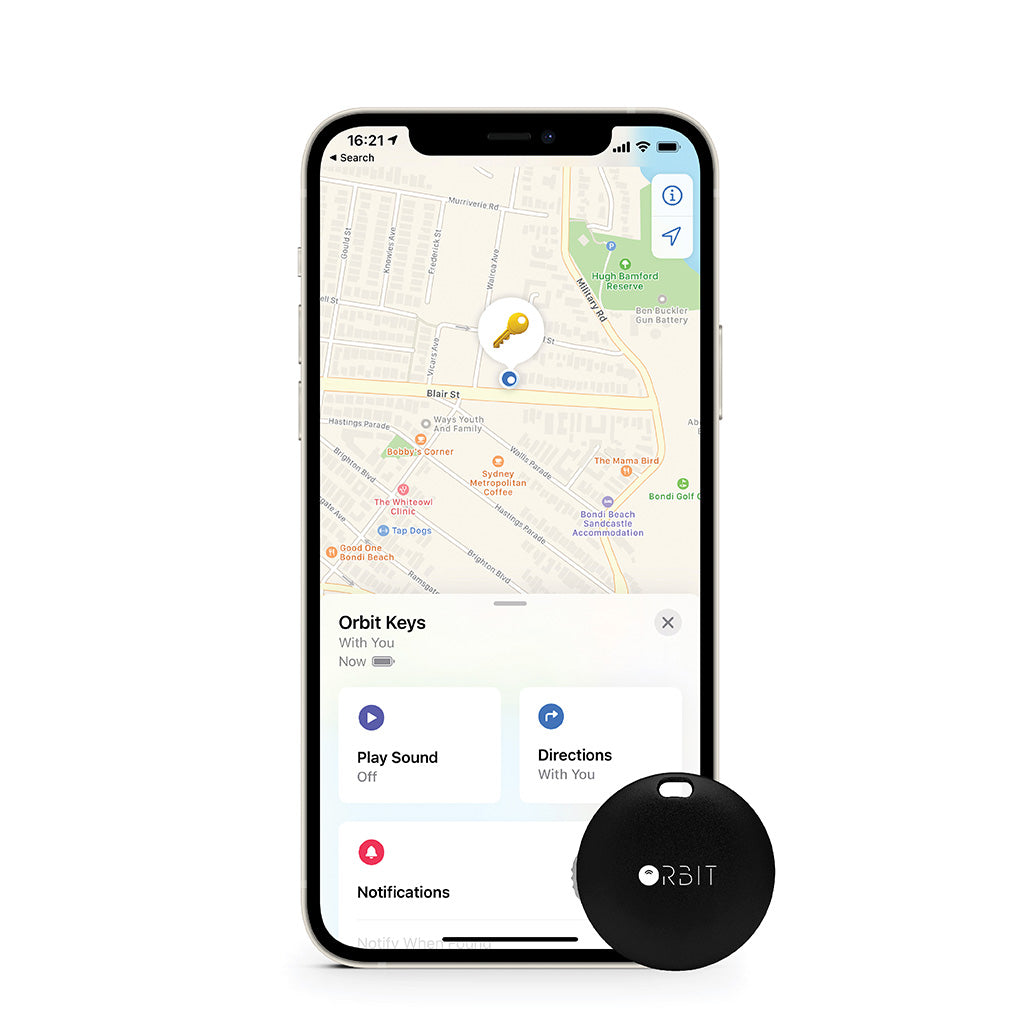
How to disable or reset the Orbit Keys Duo
Disabling the Orbit Keys Duo
The Orbit Keys Duo can be disabled to stop it from sharing its location. Once disabled, it will no longer report to Google’s Find Hubnetwork or Apple’s Find My network, and the owner will no longer receive updates on its current location. It will also stop triggering unknown tracker alerts. If you receive a notification on your Android or iOS device indicating that a Orbit Keys Duo has been detected nearby and you are unfamiliar with this device, you can make it ring through the system notification. After locating the device, follow the steps below to disable it.
•Twist open the battery coverof theOrbit Keys Duo.•Carefully remove the battery.•Close theOrbit Keys Duobytwisting onthe battery cover.
Re - enable the Orbit Keys Duo:
Reinstall a CR2032 coin battery and close the cover.
Factory Reset and Pairing:
Remove and reinstall the CR2032 battery five times. A confirmation chime will sound. After resetting, you can pair the Orbit Keys Duowith a new Google or Apple account.
Important Notes:
•When theOrbit Keys Duois paired with an Android device, itoperates as a Google FindHublocator tag. Ifit’spaired with an iOS device,it functions as an Apple Find My locator tag.•For pairing, ensure Bluetooth is enabled on your device and that it has internet access. To activate theOrbit Keys Duo, press the button once, and you will hear a melody confirming activation.•You can remove theOrbit Keys Duofrom either the Google FindHubapp on Android or the Find My app on iOS. If it’s within Bluetooth range, a factory reset will automatically occur upon removal from the app. If out of range, perform a manual factory reset.
Quelle est la différence entre l'utilisation de l'application Orbit ou Apple Find My ?
Avec l'application Orbit, vous pouvez utiliser votre Orbit avec iOS et Android. il aura des fonctions supplémentaires comme la télécommande selfie, trouver mon téléphone et l'alarme de séparation. Le réseau de foule sera limité aux utilisateurs d'Orbit.
Avec Apple Find My, le réseau de foule représente des centaines de millions d'utilisateurs et le rend beaucoup plus efficace pour retrouver vos objets perdus. Si vous avez un iPhone, nous vous recommandons vivement d'utiliser un Orbit x avec l'application Apple Find My
Si j'achète Orbit for Orbit App, est-ce que ça marche sur iPhone ?
Oui, il peut fonctionner sur iOS et Android à l'aide de l'application Orbit, mais vous ne pourrez pas vous connecter à Apple Find My.
Puis-je utiliser un Orbit qui fonctionne avec l'application Orbit avec Localiser ?
Non, malheureusement ce sont deux produits différents